
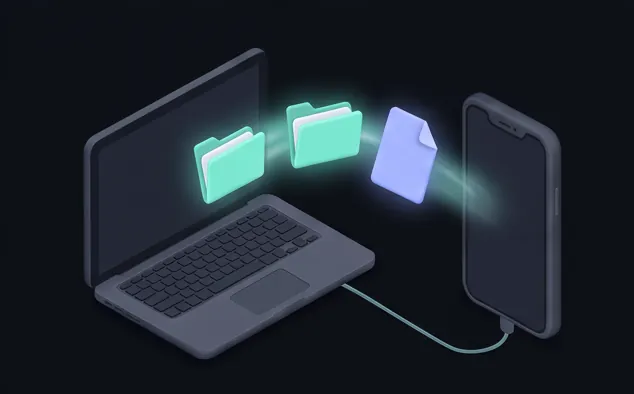
Your Mac in the Files app
Your Mac shows up as a drive in iOS Files – browse, open, edit and save right on the Mac.
Coming soon to the App Store · Ready for iOS 27 & iPhone Duo
Duomote is a native remote for your Mac on iPhone, iPhone Duo and iPad – screen, trackpad, keyboard, files and action pads your AI agent can program. Nothing to install on the Mac.
Illustration – the app is in development.
Your Mac – on iPhone, iPhone Duo and iPad, in any posture, with any app. And your agent builds the buttons for you.
Demo 1 · One app, every posture
Close the iPhone Duo, half-open it like a laptop, or turn it into a book – the workspace follows the fold.
Fullscreen
Your Mac fills the screen. Touch works like a real Mac trackpad.
Demo 2 · The pad follows your app
The “This app” pad sees which app is in front on your Mac and shows the actions you set up for it – shortcuts, app launchers and saved prompts that paste without clicking first.
App in front on the Mac

Review this diff
Prompt

Explain the error
Prompt

Write tests
Prompt

Summarize file
Prompt
Example setup – every button is yours to define.
Demo 3 · Zero-click prompt
Duomote is programmable through one file on your Mac: ~/.duomote/actions.json. The duomote-deck agent skill teaches your coding agent to write it – so a sentence becomes a pad on your iPhone.
New pad · Release
Built in
Your Mac shows up as a drive in iOS Files – browse, open, edit and save right on the Mac.
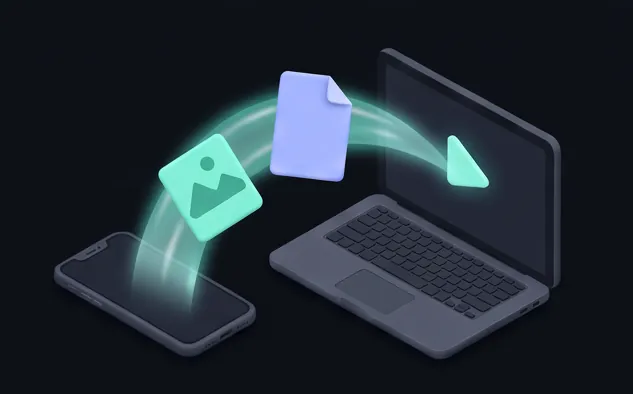
Share from any iOS app straight into a folder on your Mac.
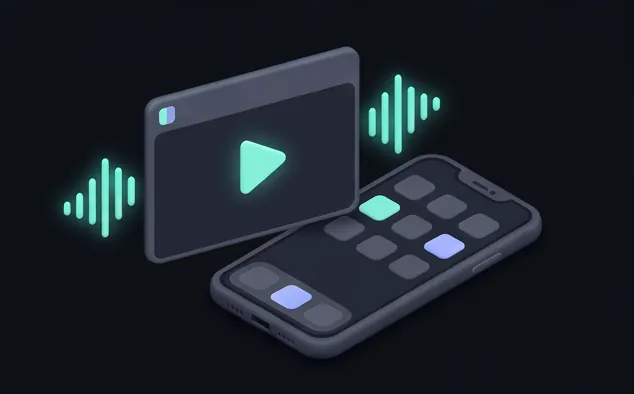
Stream videos and audio from your Mac with Picture in Picture and background playback.
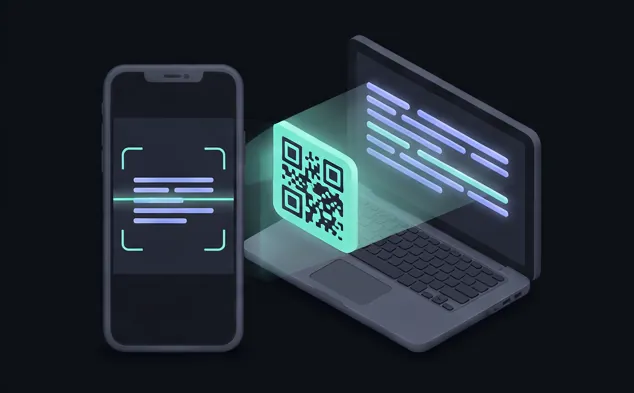
On-device text recognition picks codes, URLs and error messages off your Mac screen.
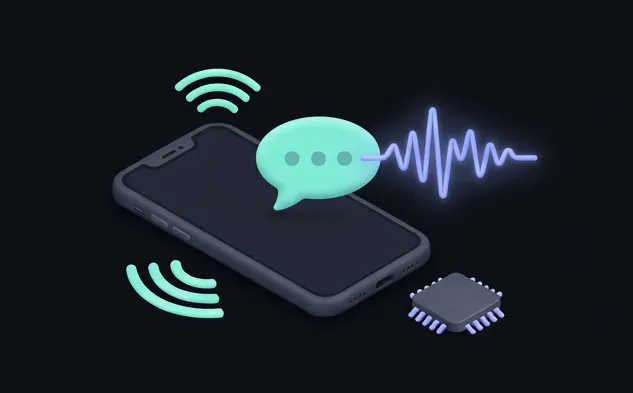
Have Claude’s answers and scanned text read to you – fully on your iPhone.
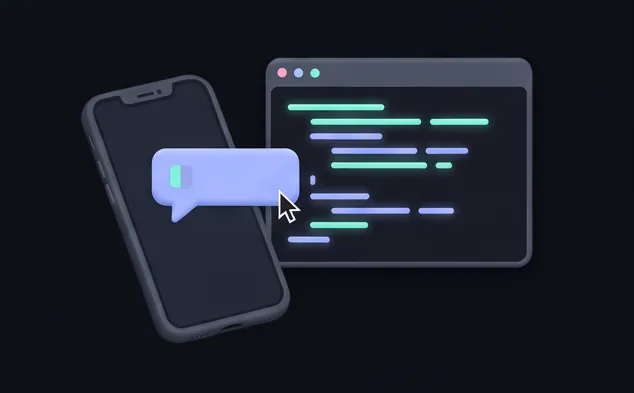
Send prompts to Claude Code on your Mac and follow the output live.
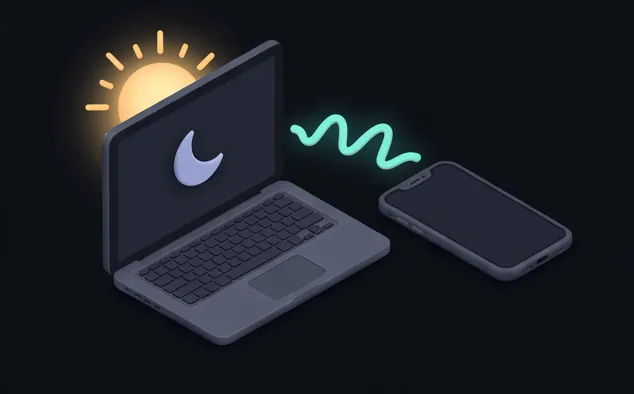
Connecting wakes a sleeping Mac and remembers where it lives on your network (needs “Wake for network access” on the Mac).
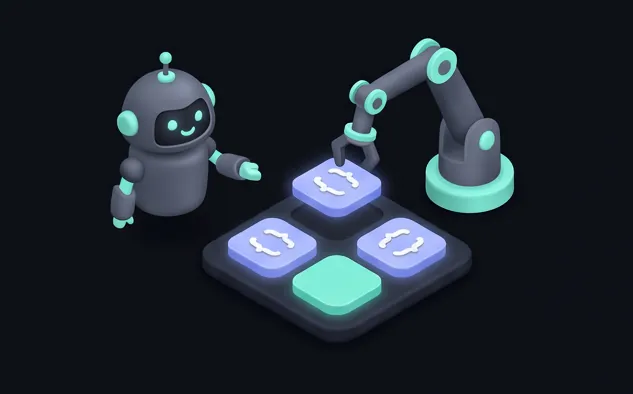
Buttons live in ~/.duomote/actions.json – edit it yourself or let your agent do it.
Zero install · Zero cloud
Duomote uses what macOS already has: Screen Sharing and Remote Login. Turn them on, and you’re done.
Your iPhone talks directly to your Mac. No account, no relay server, no analytics.
Passwords and keys stay in the iOS Keychain, behind Face ID or Touch ID.
Duomote remembers your Mac’s identity and stops if it ever changes.
Under the hood: the Duomote Native Retina & Gesture Engine.
Coming soon
For iPhone, iPhone Duo and iPad. Coming to the App Store.